
Set up pickleball games
Set up a game and add the people you’re playing with.
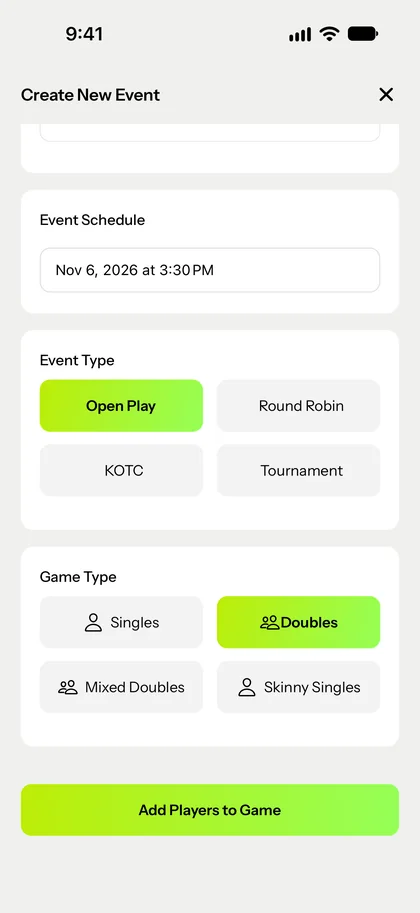
Set up a pickleball game, record the score after each game, and find your past scorecards in one place.

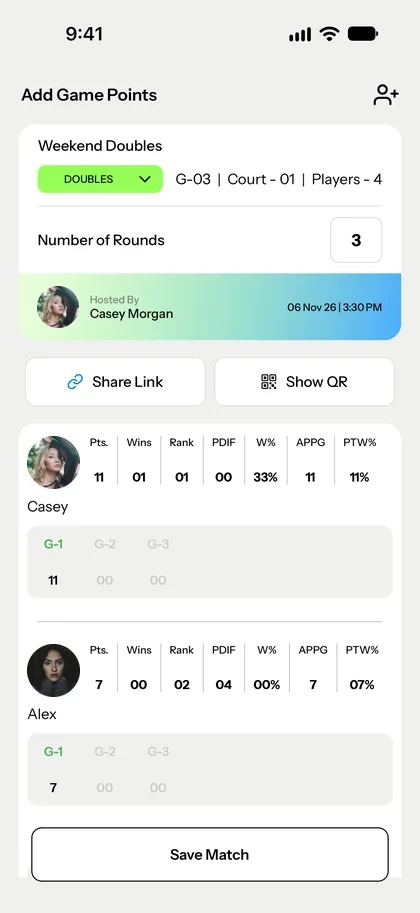
Set up a game and add the people you’re playing with.

Add players or guests by name, enter scores game by game, and save the match.

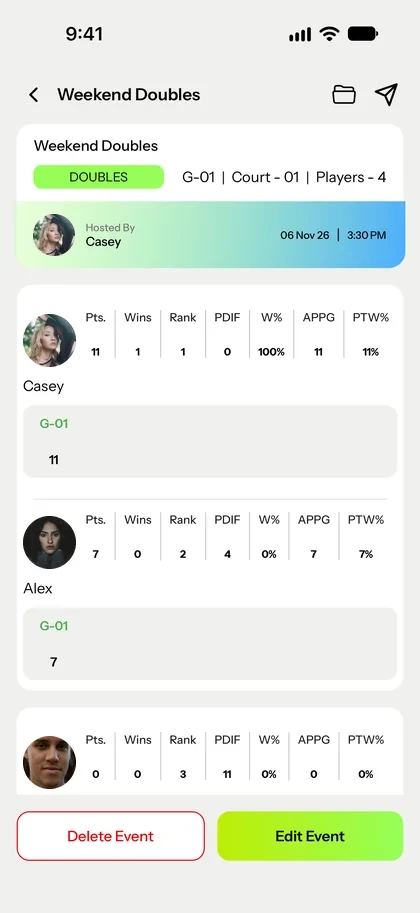
Open History to find past matches and their game scores.

Use Community to find players you know, organize player groups, and keep track of the people you play with.
Call the score in singles and doubles and see what 0-0-2 means.
Save a game’s final score and find the scorecard in History.
Rotate six players through doubles games on one court.
Use the court diagrams to see which halves are in play.
Compare serving positions, court boundaries, and score calls.
Check when the next rulebook is due and which rules to use today.
Allow Google Analytics and Cloudflare Web Analytics to measure visits and website performance. You can change your choice anytime.